

The demo instance
A full platform deployment you can walk into today: the whole certification chain pre-loaded with a fictional cast, from a manufacturer's application to a signed, registered certificate. It resets nightly, so nothing you enter survives, which is exactly what makes it safe to try.
Enter the app and pick a persona card on the login page; the sign-in continues at the identity service, whose account chooser assumes the persona.
What you can do
Nine acts, each performed against the live demo before this page listed it; the dated capture under each act is the audit artifact, re-produced by scripts/capture-services.ts on every refresh.
1. Sign in as a persona. The login page carries the demo cast as cards under their organizations: Applicant, Issuing Authority, Test Laboratory, BIML Officer, and more. A card starts the sign-in at the OIML SMART identity service, and the provider's account chooser continues the flow as the chosen persona, the grant-based persona assumption, which lands you on that role's console without any cast password being published.
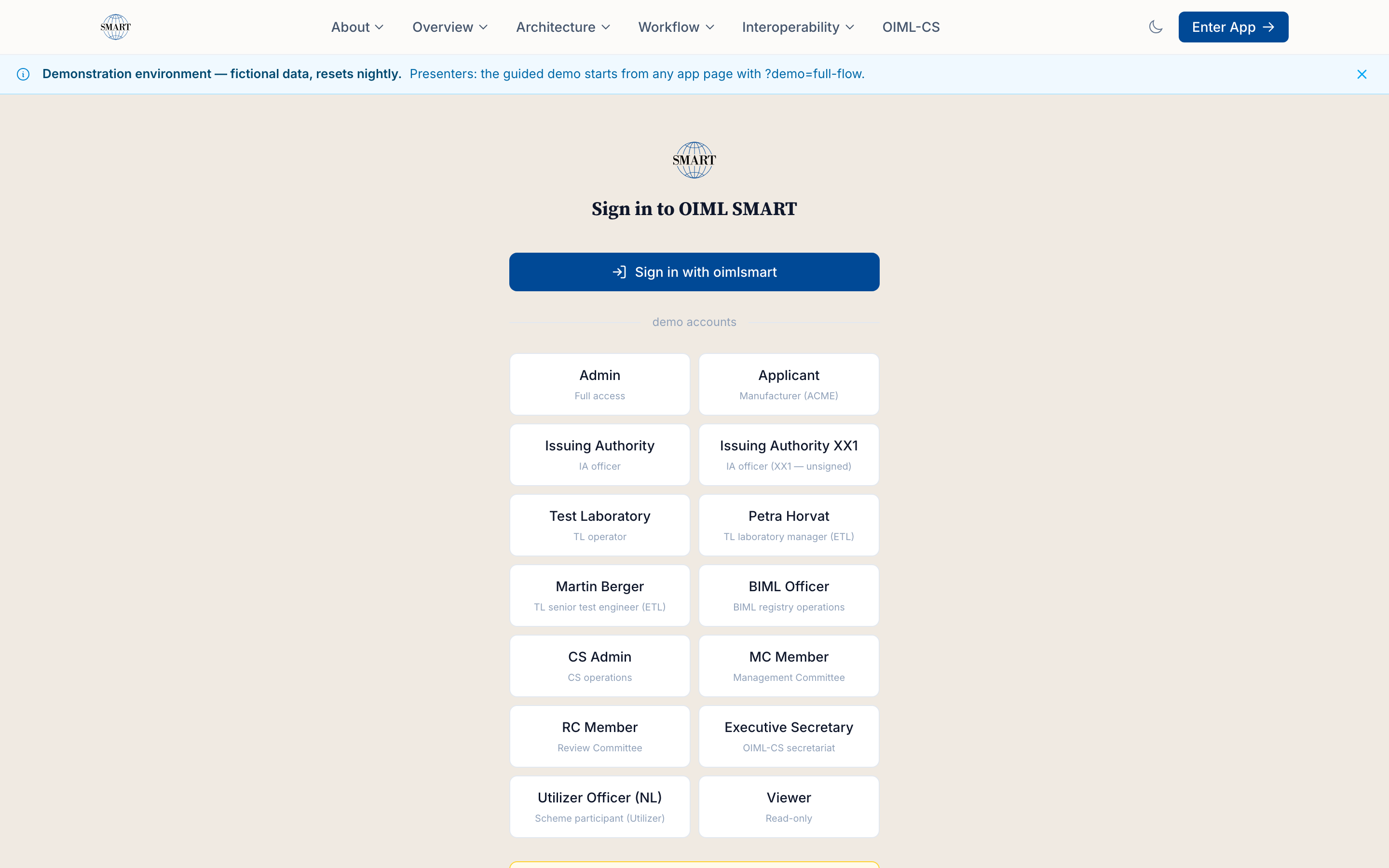
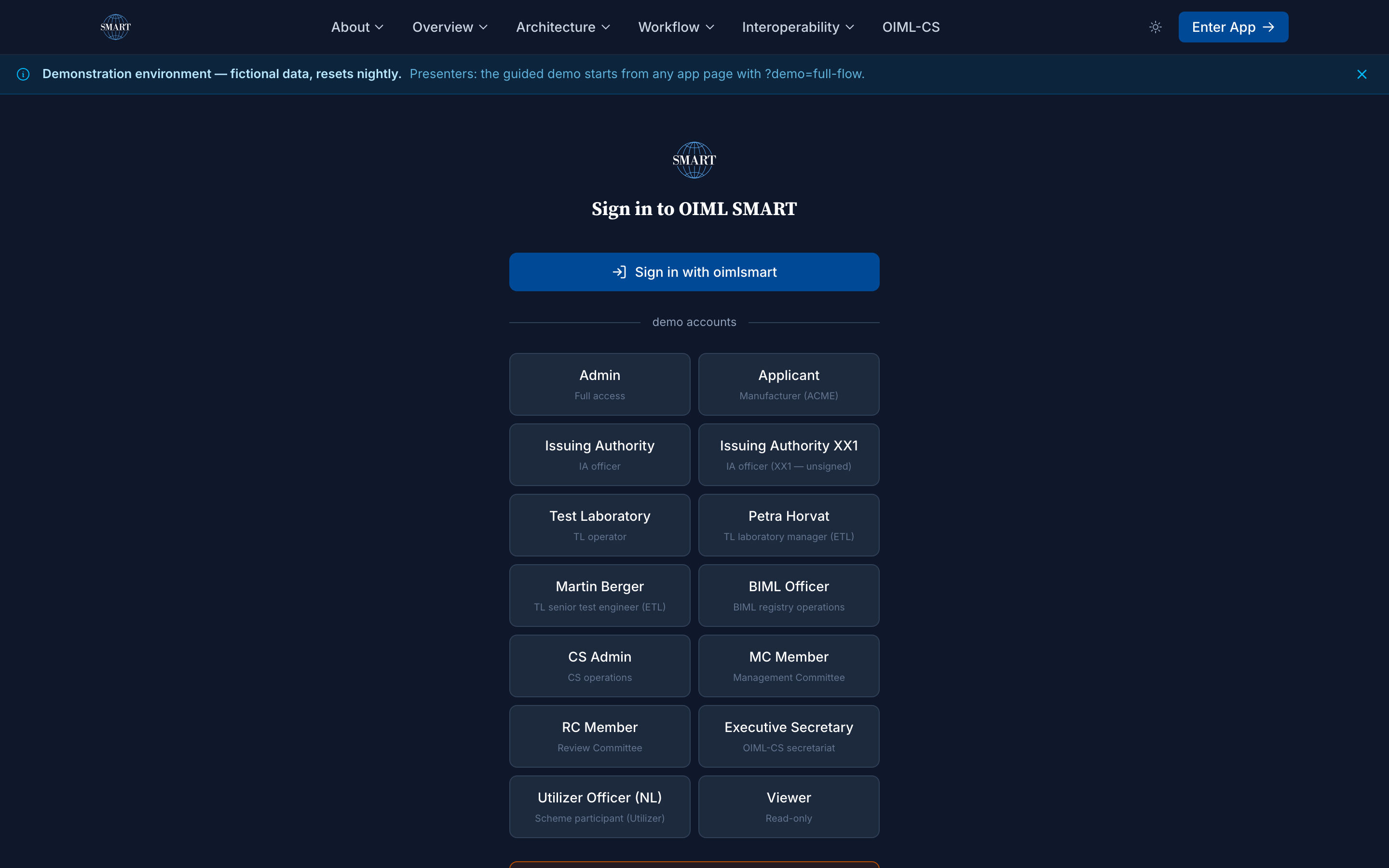
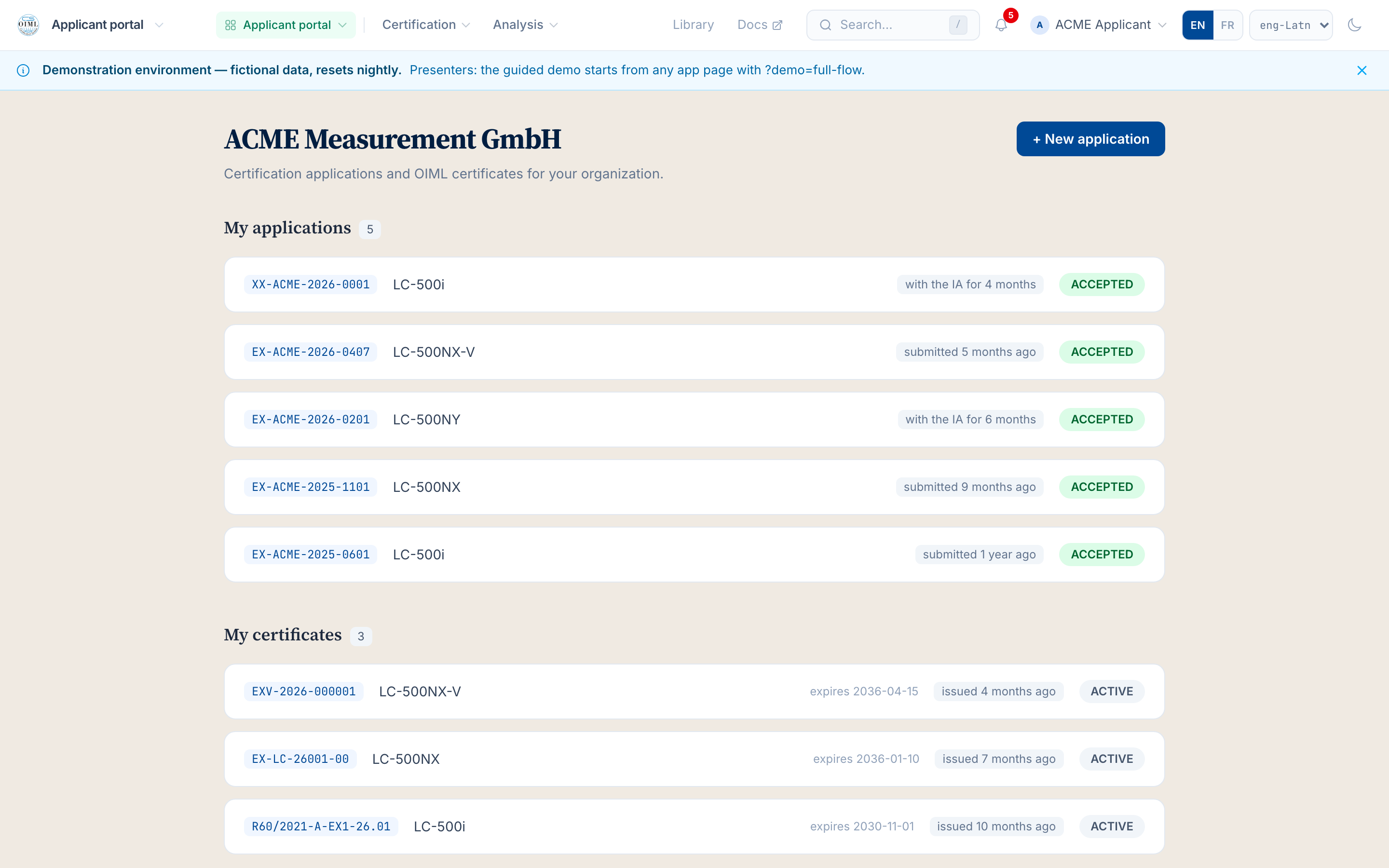
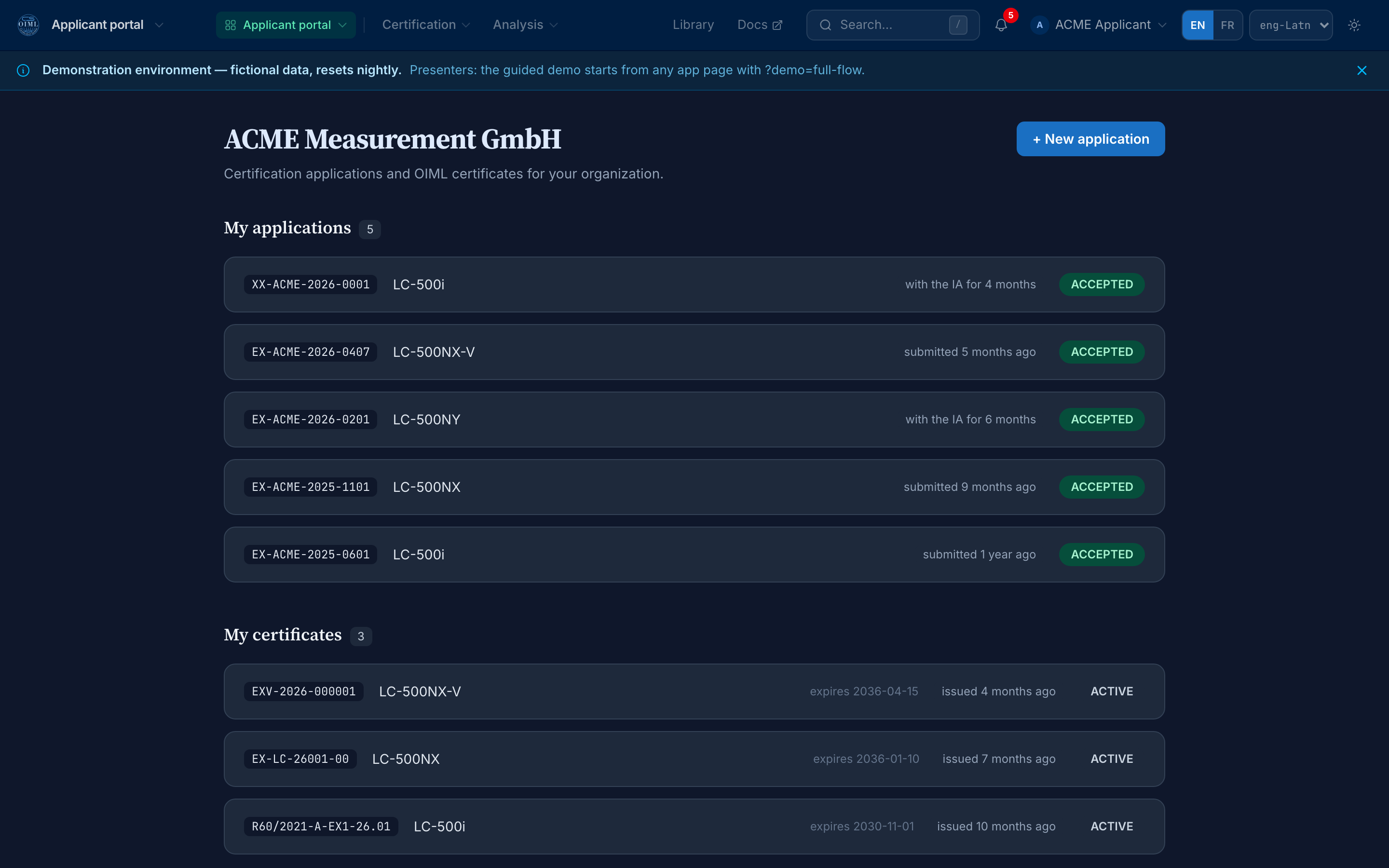
The login page: the whole demo cast as persona cards — captured 2026-08-29 by scripts/capture-services.ts 2. Work the applicant portal. As the Steelyard manufacturer you see your five applications with their states and your three certificates, all real platform records from the pilot seed.
The applicant portal: applications and certificates on one record — captured 2026-08-29 by scripts/capture-services.ts 3. Open one application and see the whole file. Application XX-STE-2026-0001 opens with its state, its instrument, and the link that follows the evaluation project the authority is running for it.
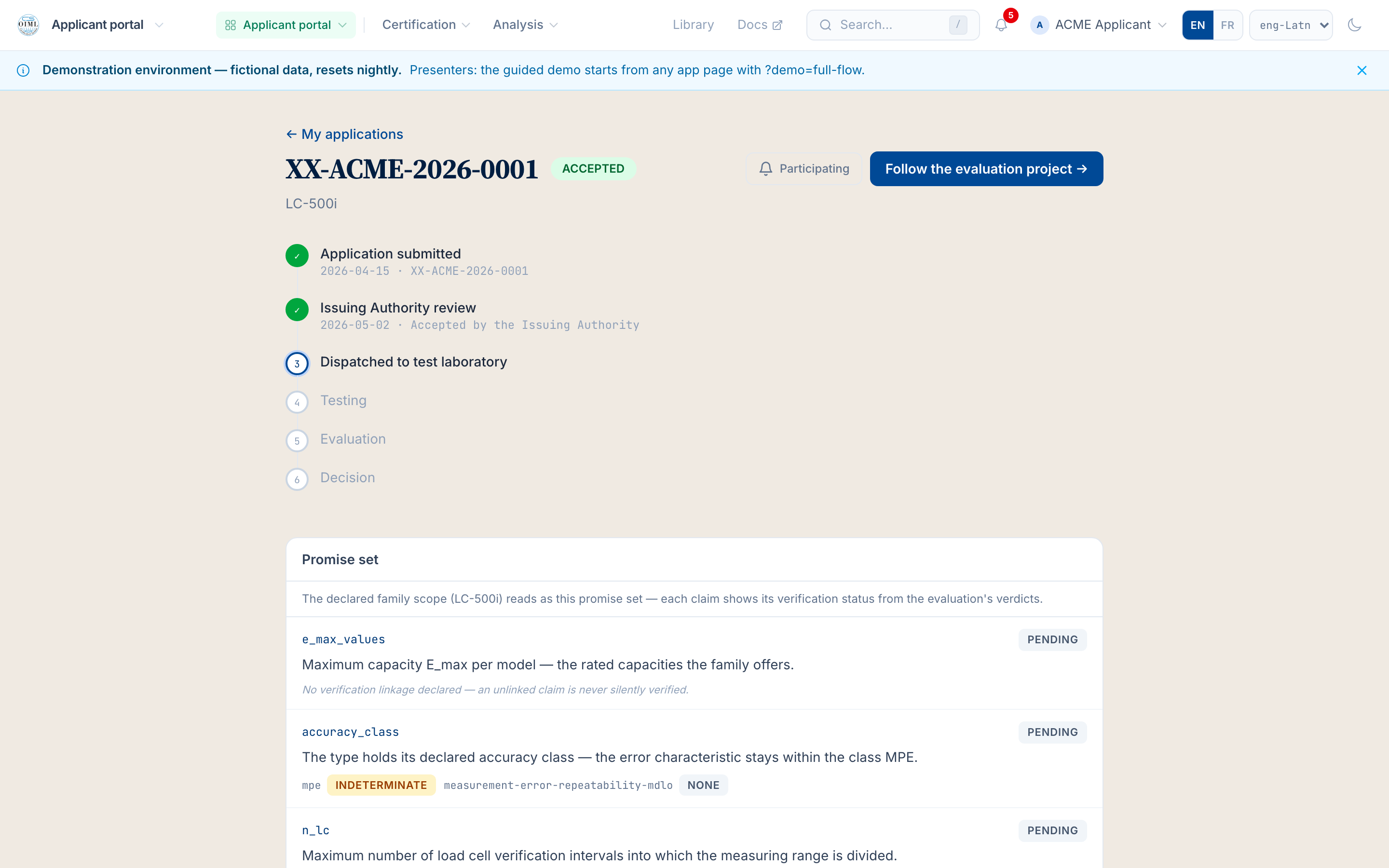
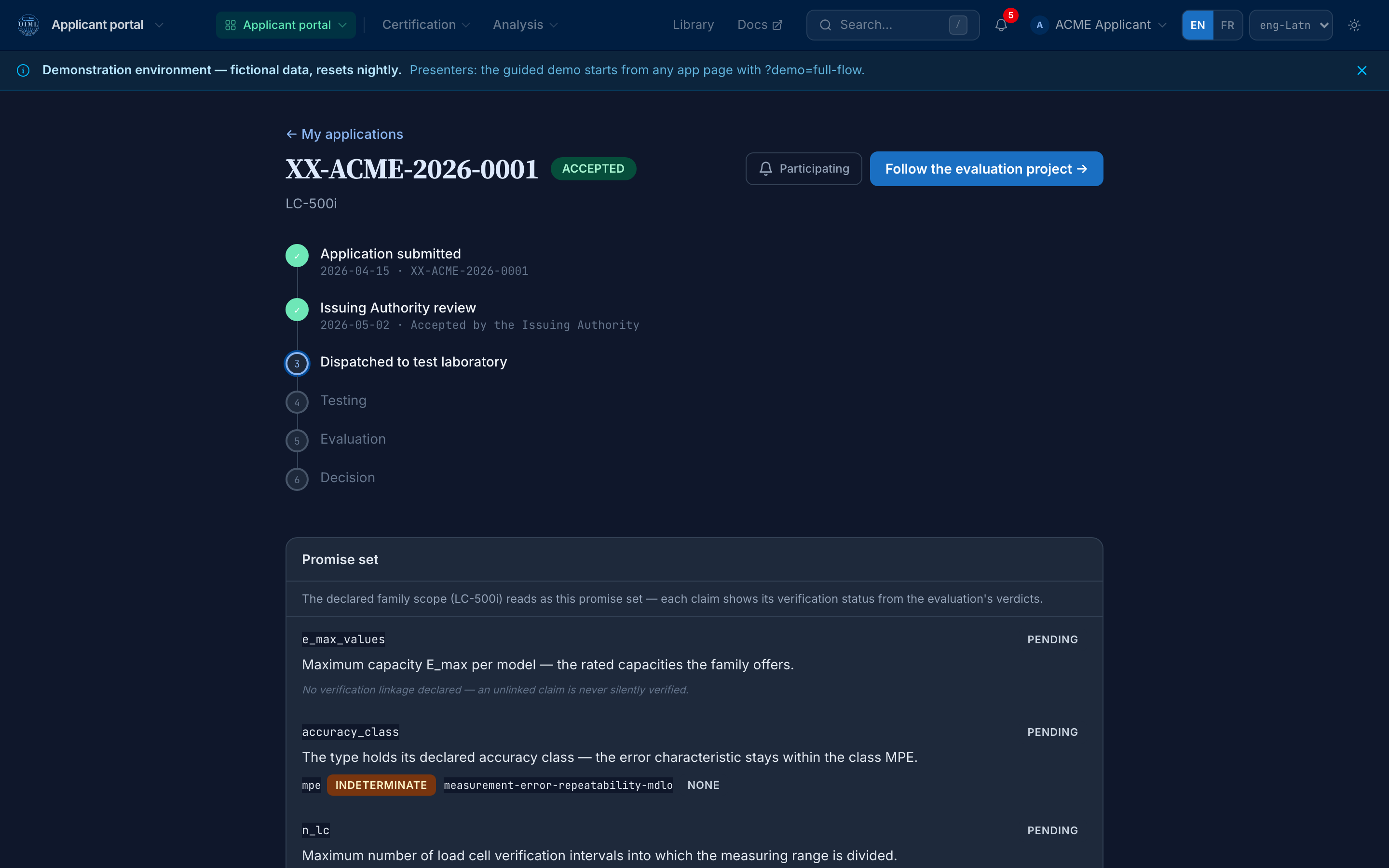
One application, the whole file, and the path into the evaluation — captured 2026-08-29 by scripts/capture-services.ts 4. Open the worked-example certificate. Certificate R60/2021-A-EX1-26.01 renders as the full OIML document: ACTIVE, the classification table, the conditions, the revision history, the signature block, and the pointer that closes the loop: verify it against the public register.
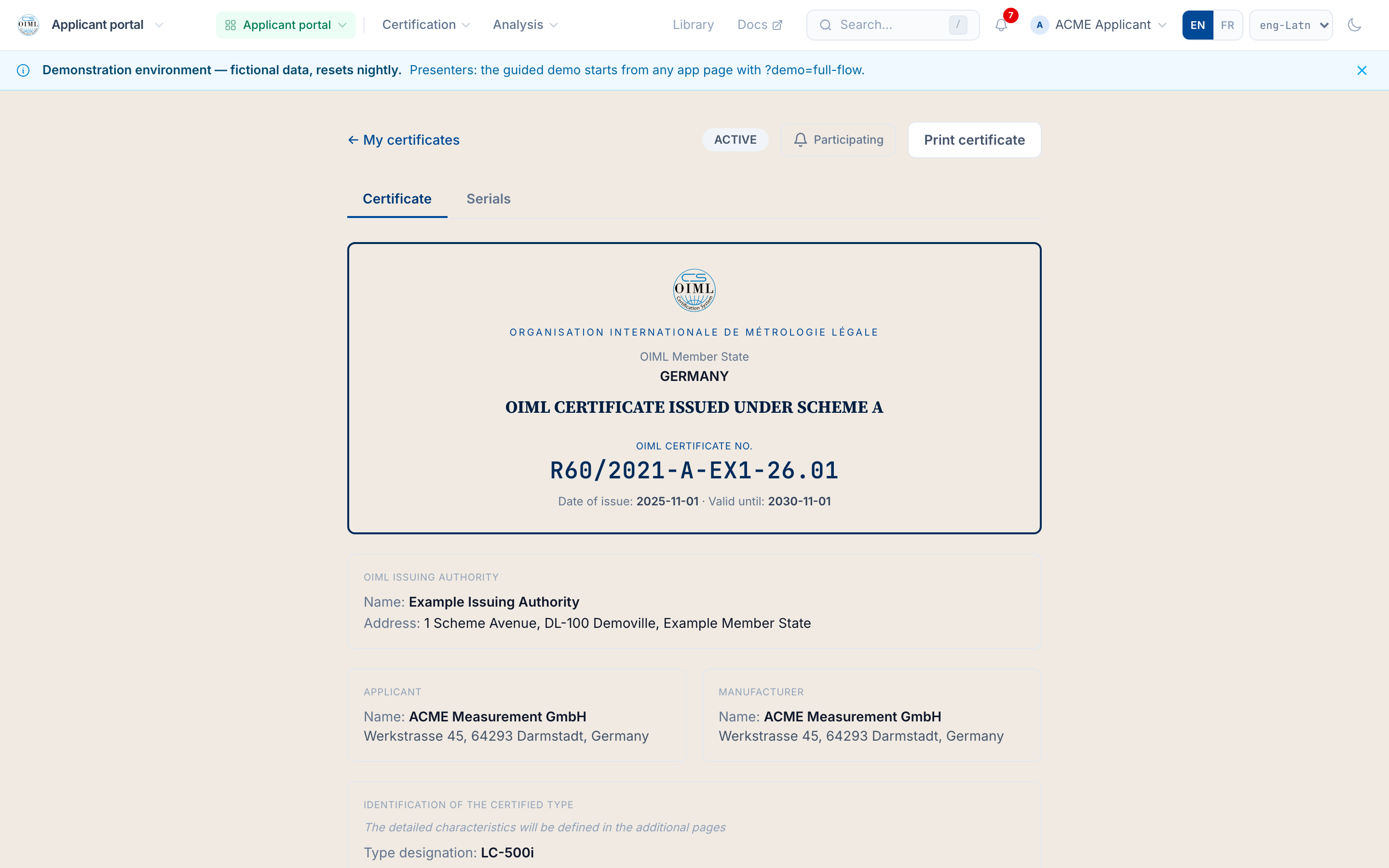
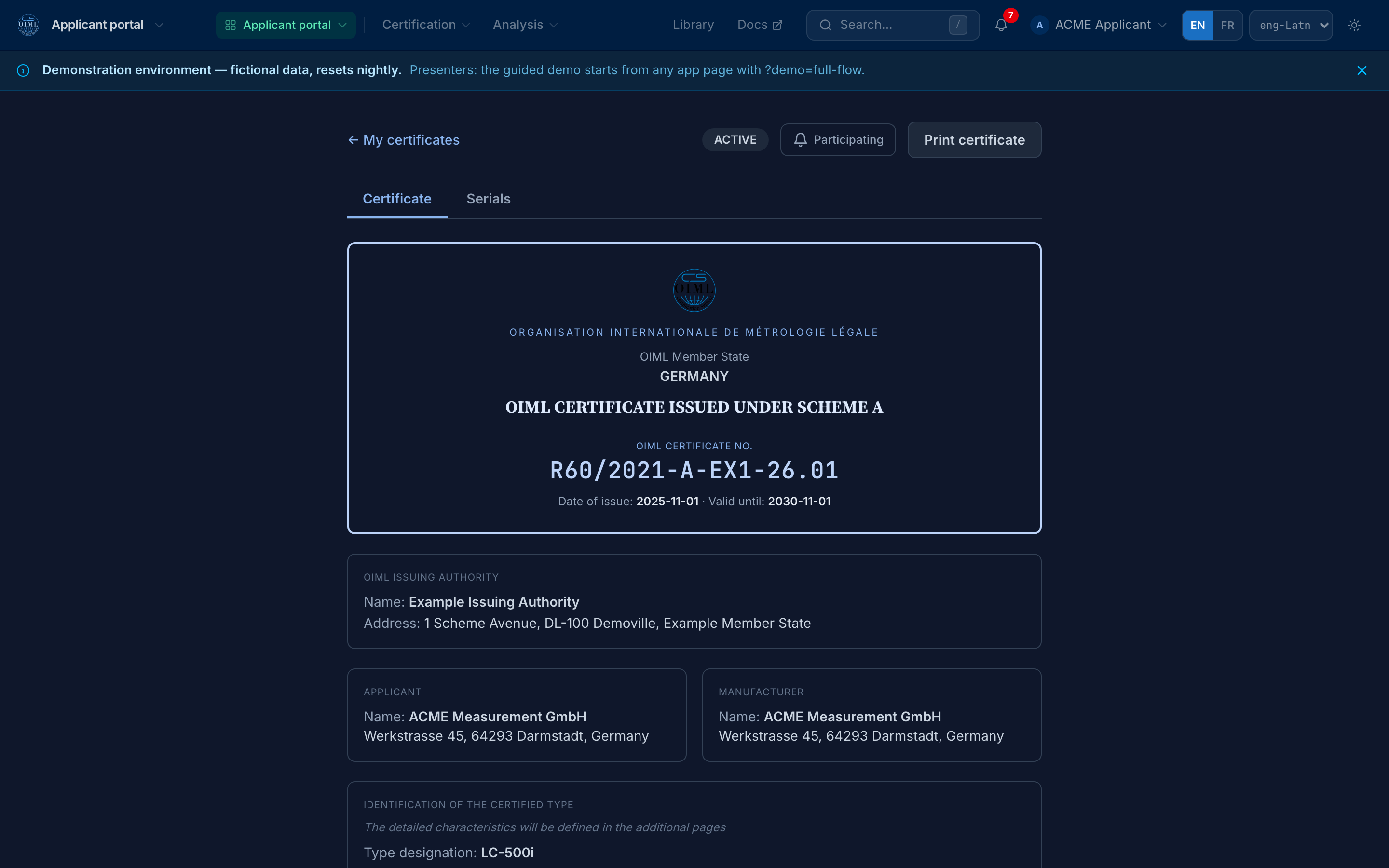
The certificate as the full document, with the verification pointer at its foot — captured 2026-08-29 by scripts/capture-services.ts 5. Verify the certificate against the public register, no sign-in. The number lookup answers from the public BIML register (B 18:2025 §14.8): the verdict, the registration record, and the W3C Status List revocation and suspension checks with their check timestamp.
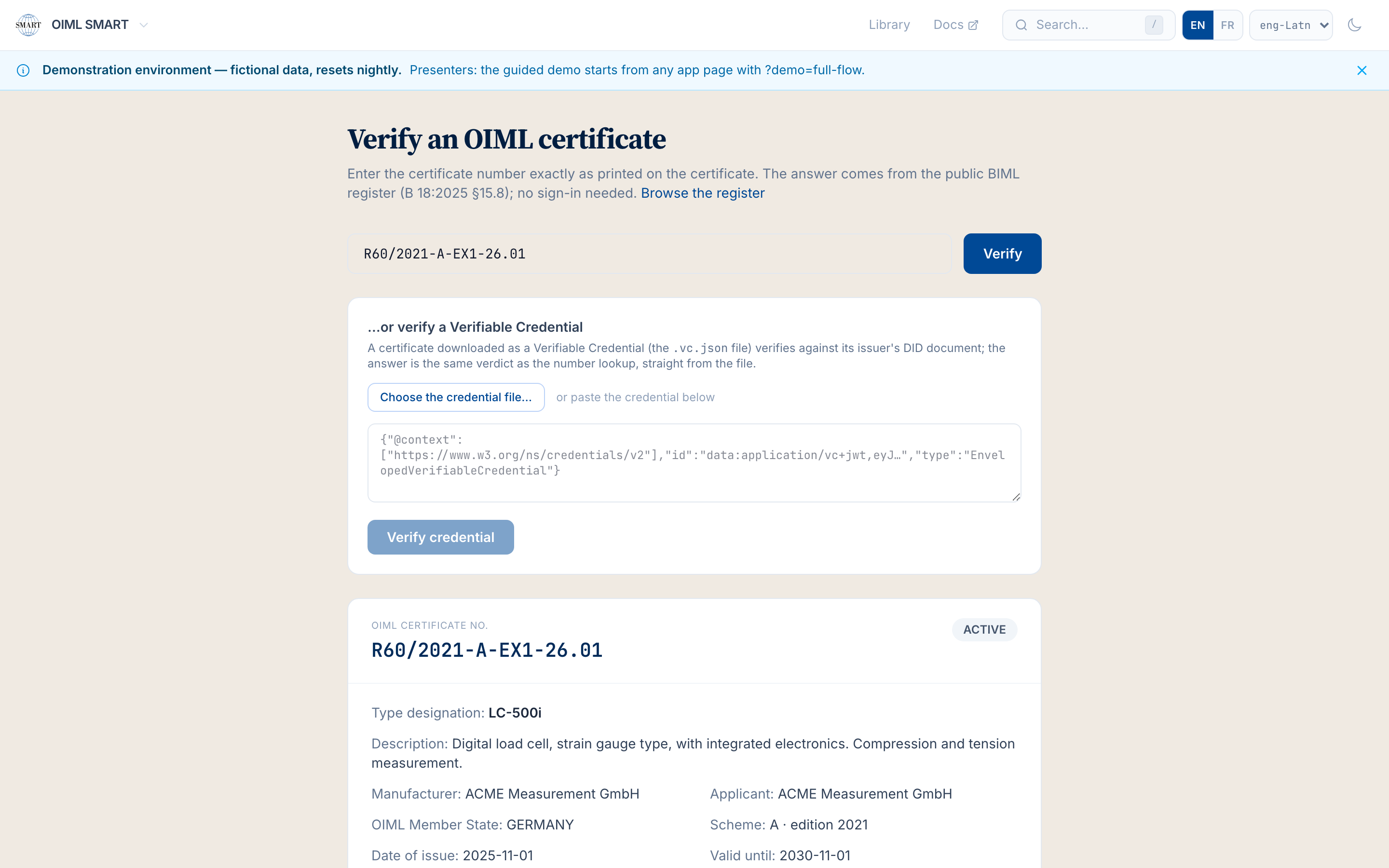
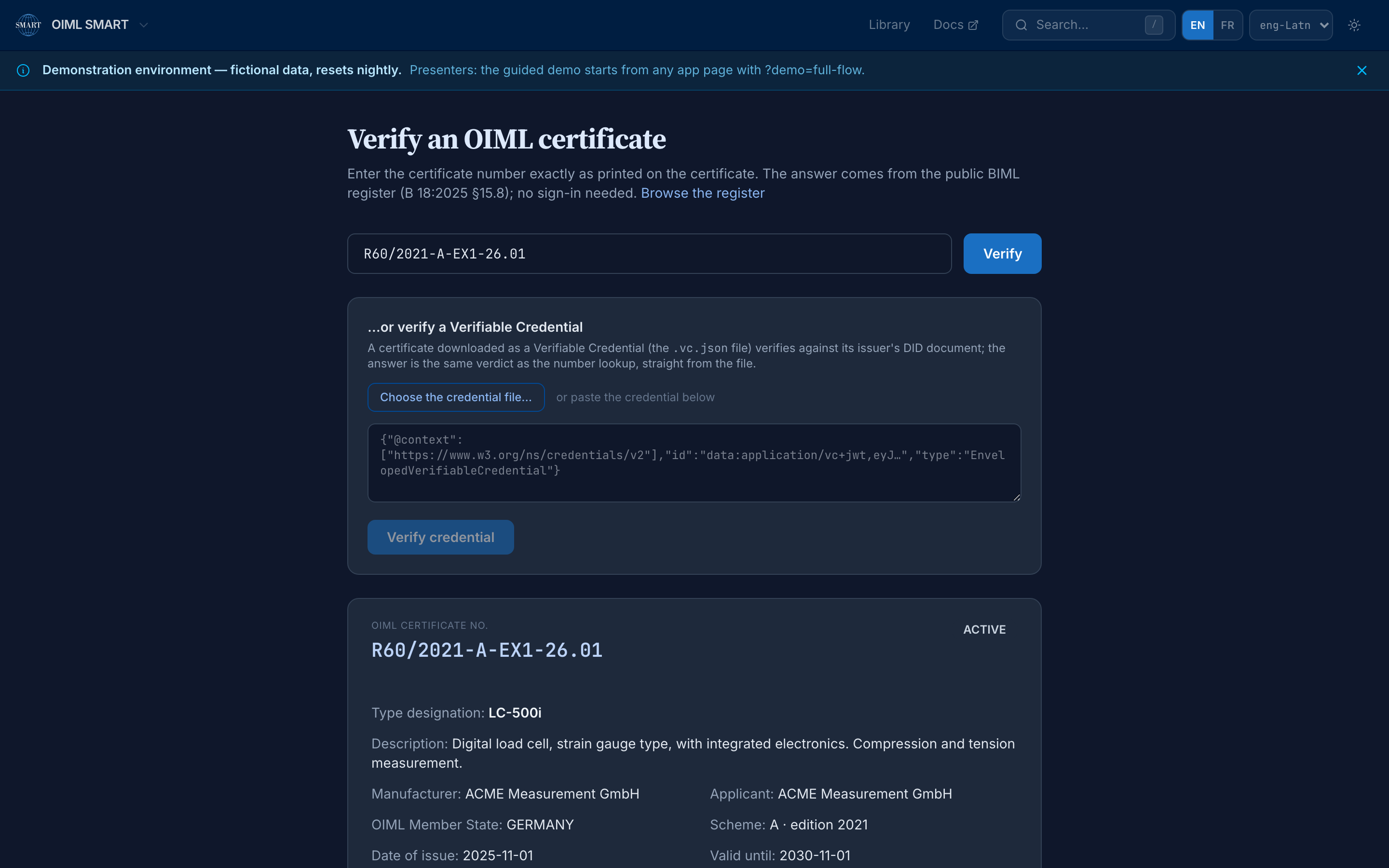
The public register's verdict: ACTIVE, not revoked, not suspended — captured 2026-08-29 by scripts/capture-services.ts 6. Sit at the Issuing Authority console. The review queue, the twelve type-evaluation projects with their stages, the active test requests, and the certificate waiting ready to issue: the authority's whole desk on one screen.
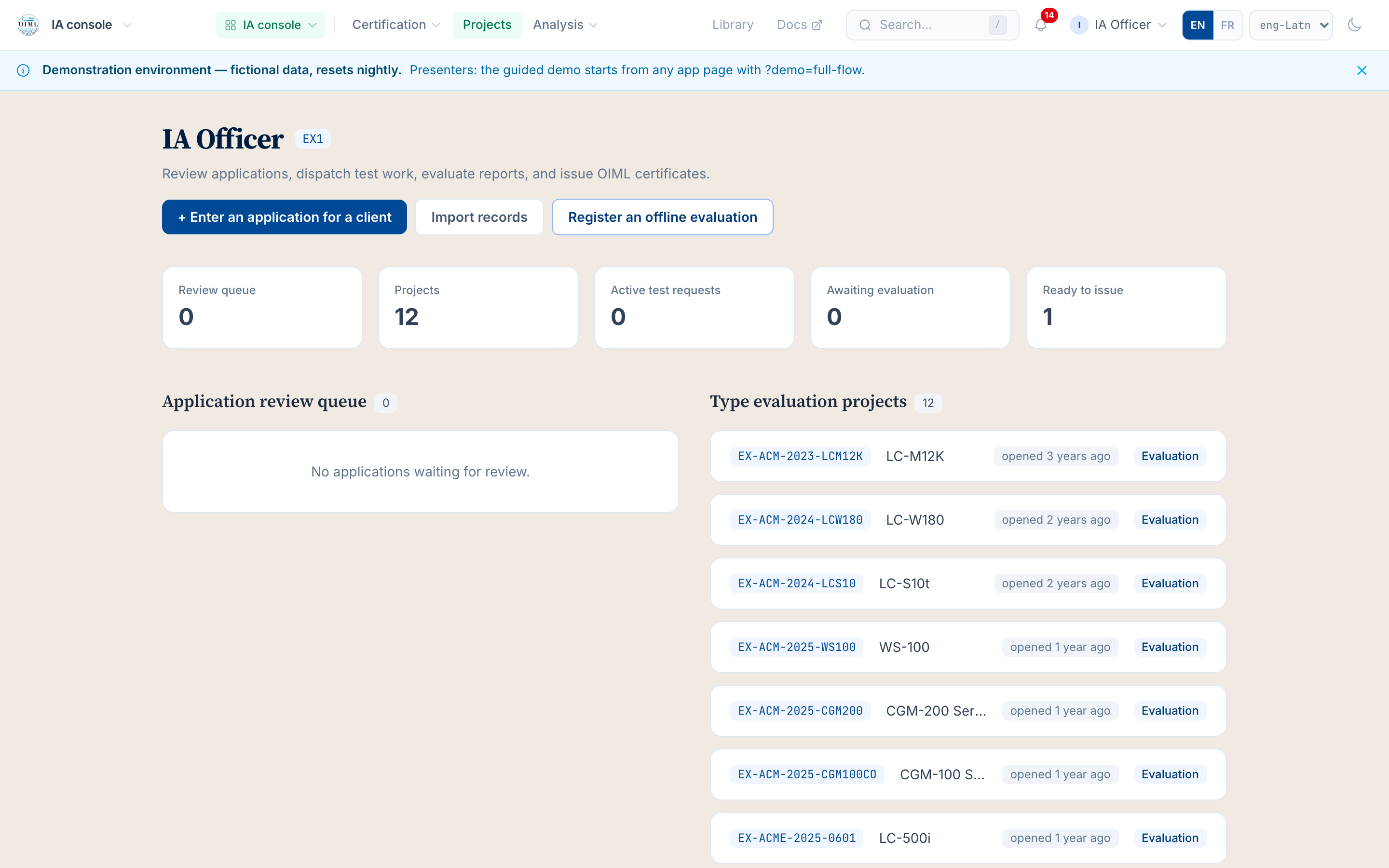
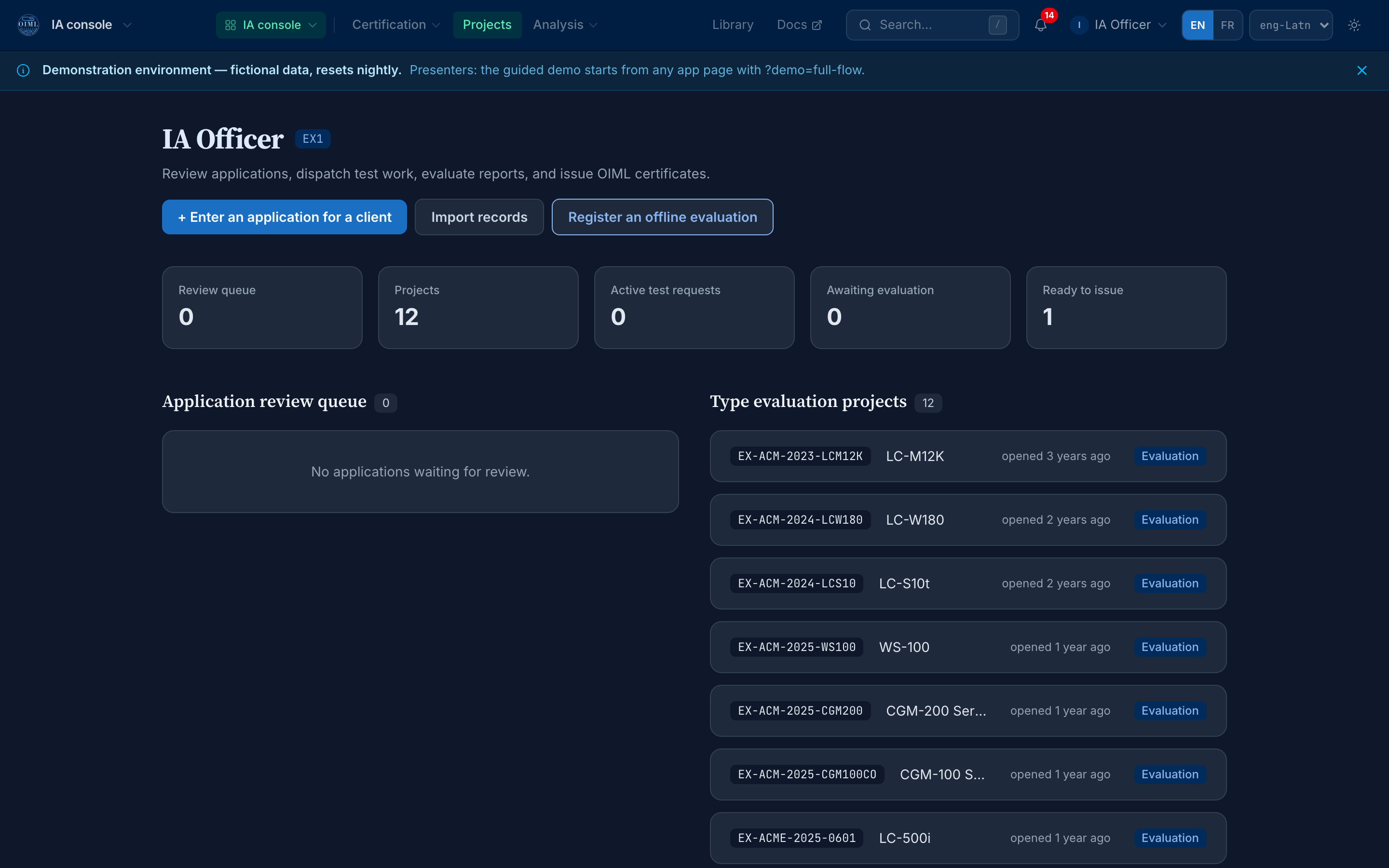
The IA console: review, dispatch, evaluation, issuance — captured 2026-08-29 by scripts/capture-services.ts 7. Sit at the Test Laboratory workbench. The dispatch inbox is where the authority's test requests land, and the ANR axis lets the laboratory declare, per Recommendation and country, which Additional National Requirement tests it can perform.
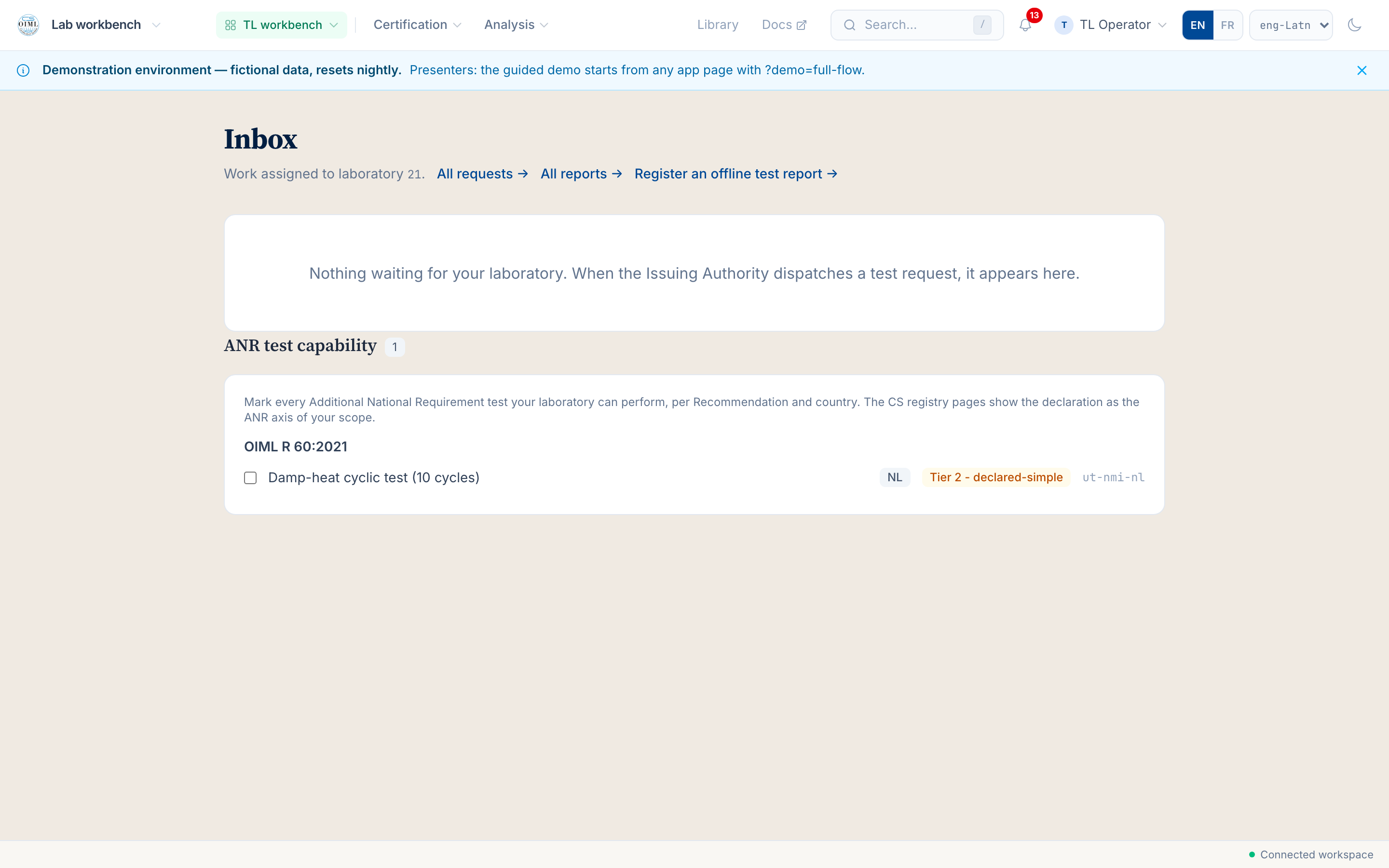
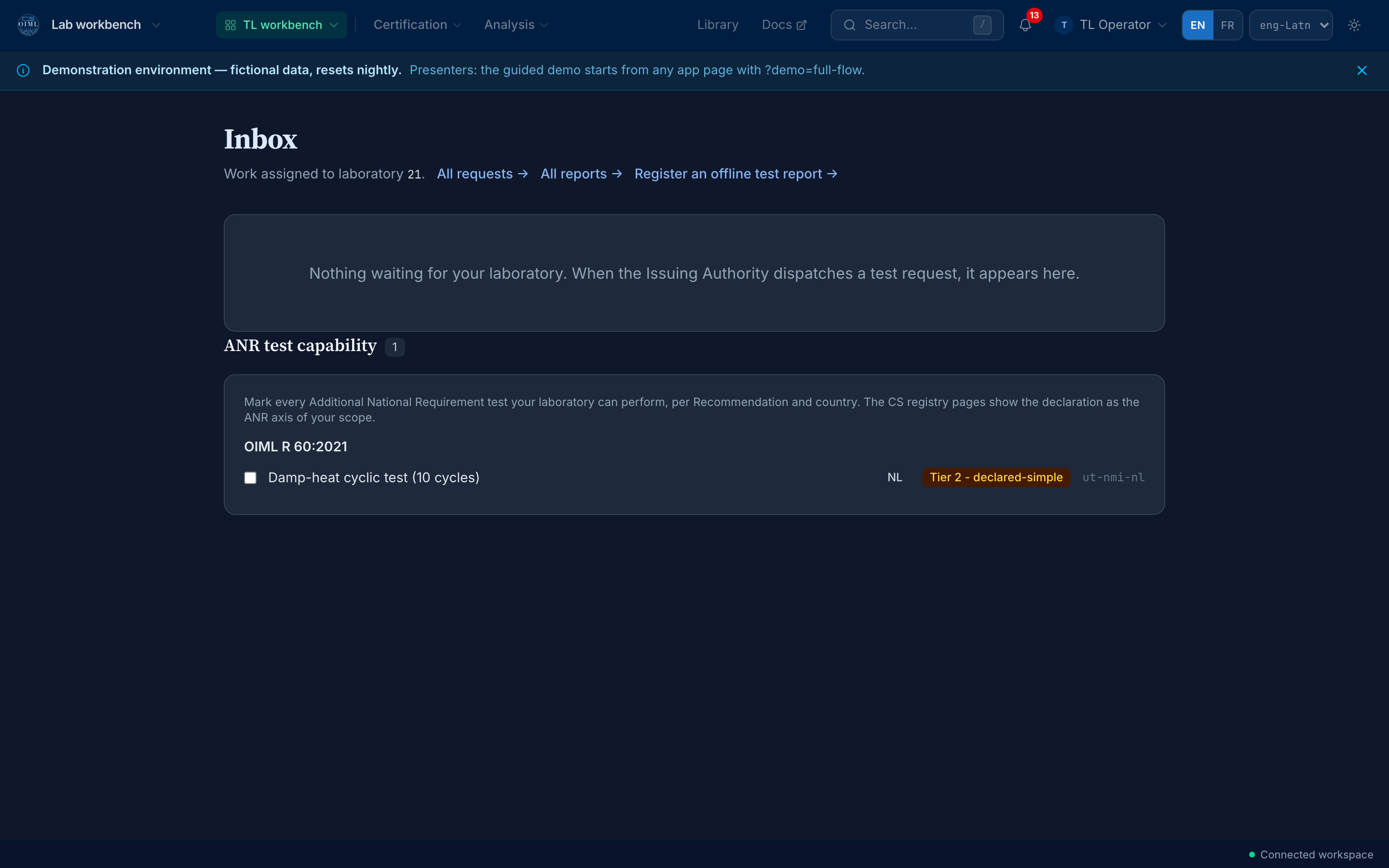
The TL workbench: the inbox and the ANR capability declaration — captured 2026-08-29 by scripts/capture-services.ts 8. Work the BIML console. The registration inbox is where issued certificates arrive for the BIML's registration act; the worked-example certificate shows in the recently-registered list with its registration record.
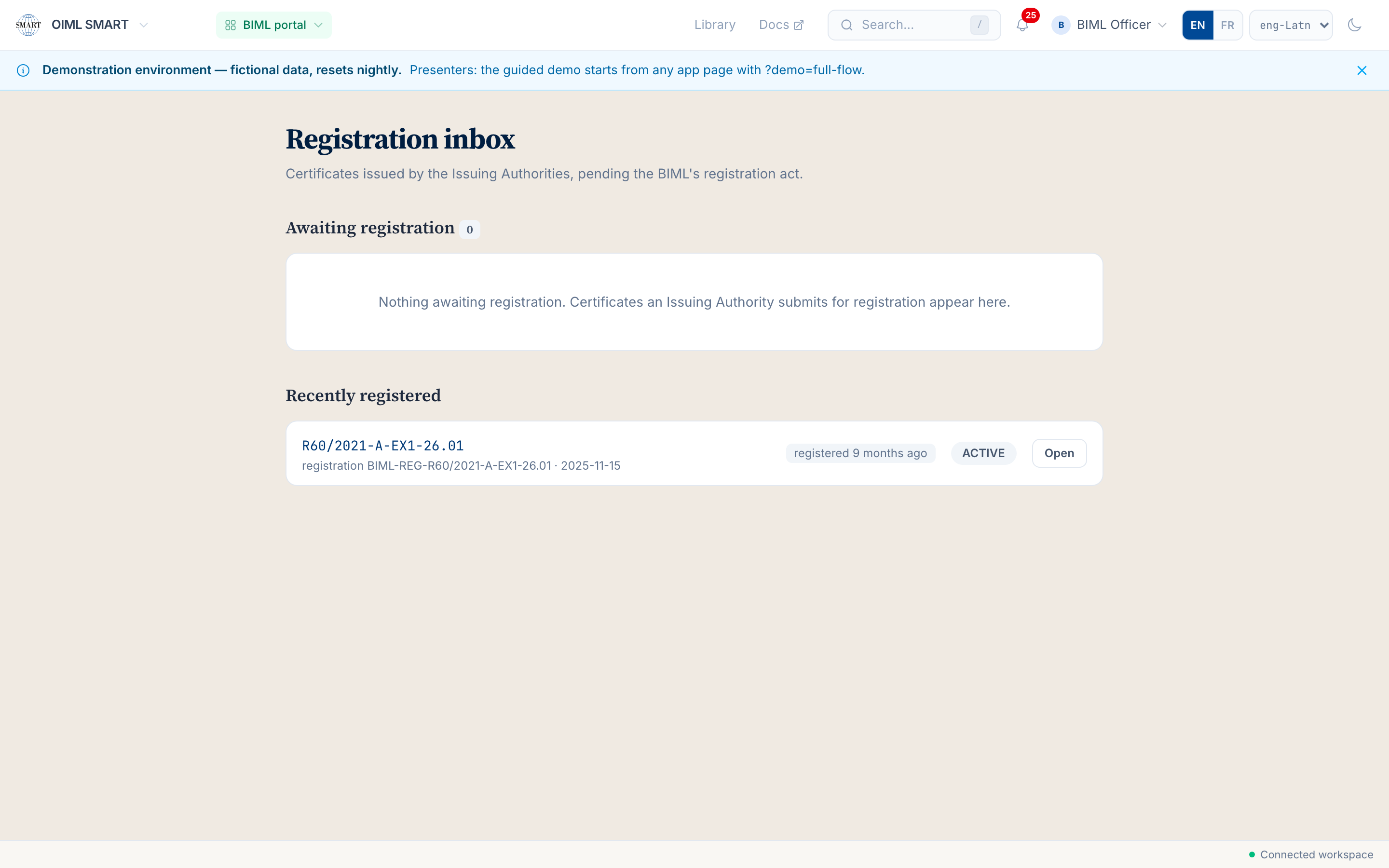
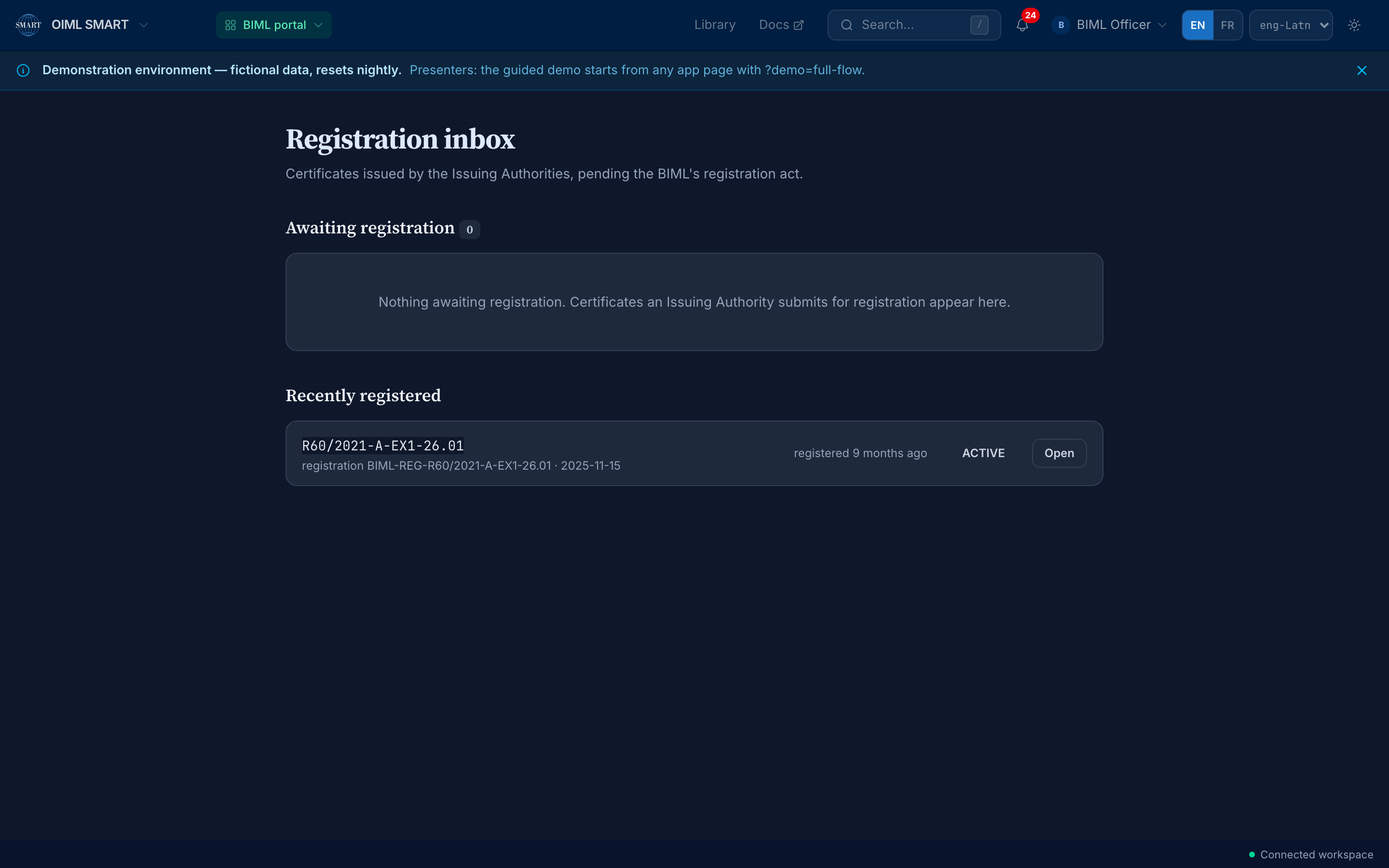
The BIML console: registration as a first-class act — captured 2026-08-29 by scripts/capture-services.ts 9. Start the guided demo. From the login page (or ?demo=full-flow on any app page) a presenter script walks the full certification chain, step by step, with the demo cast.
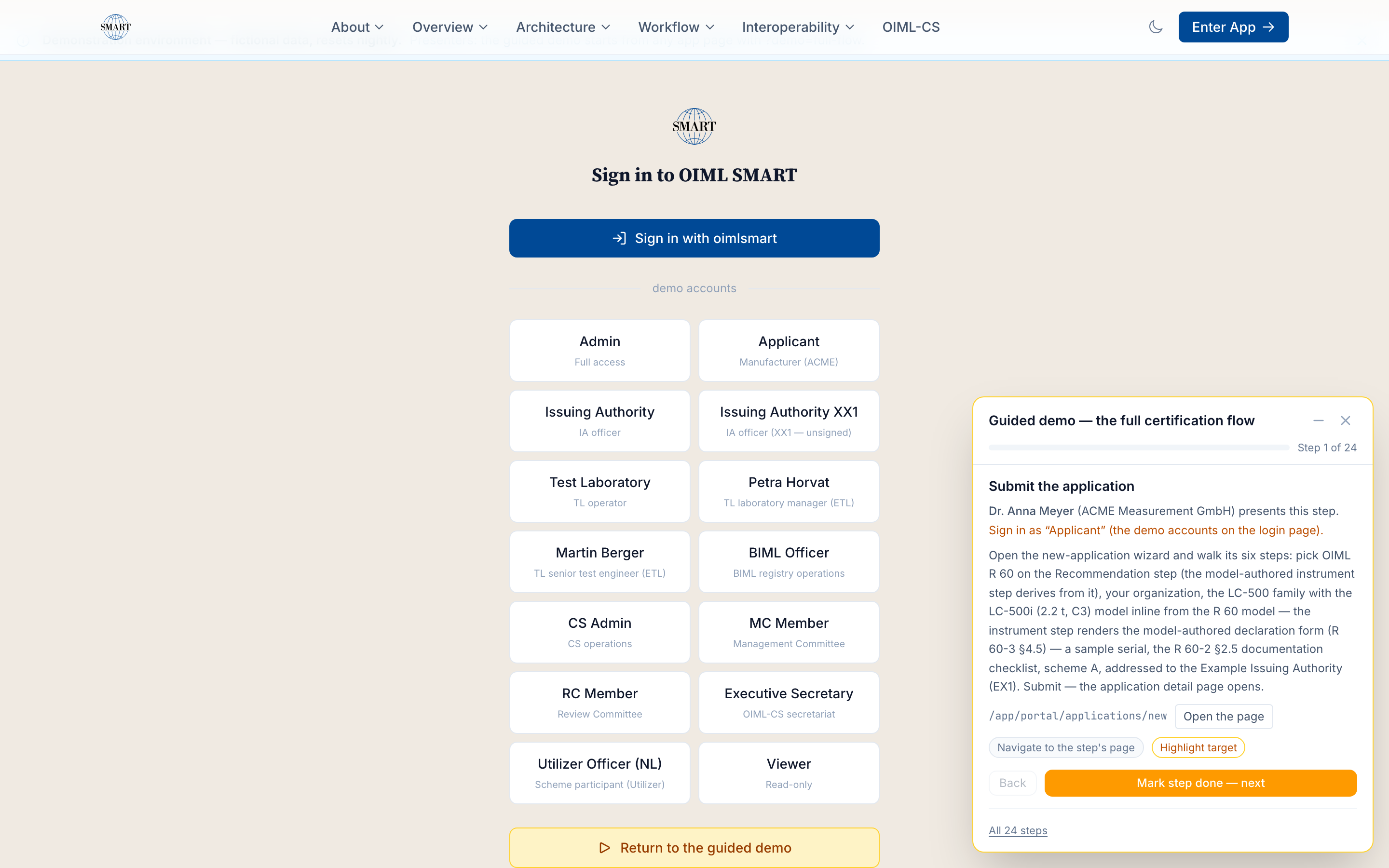
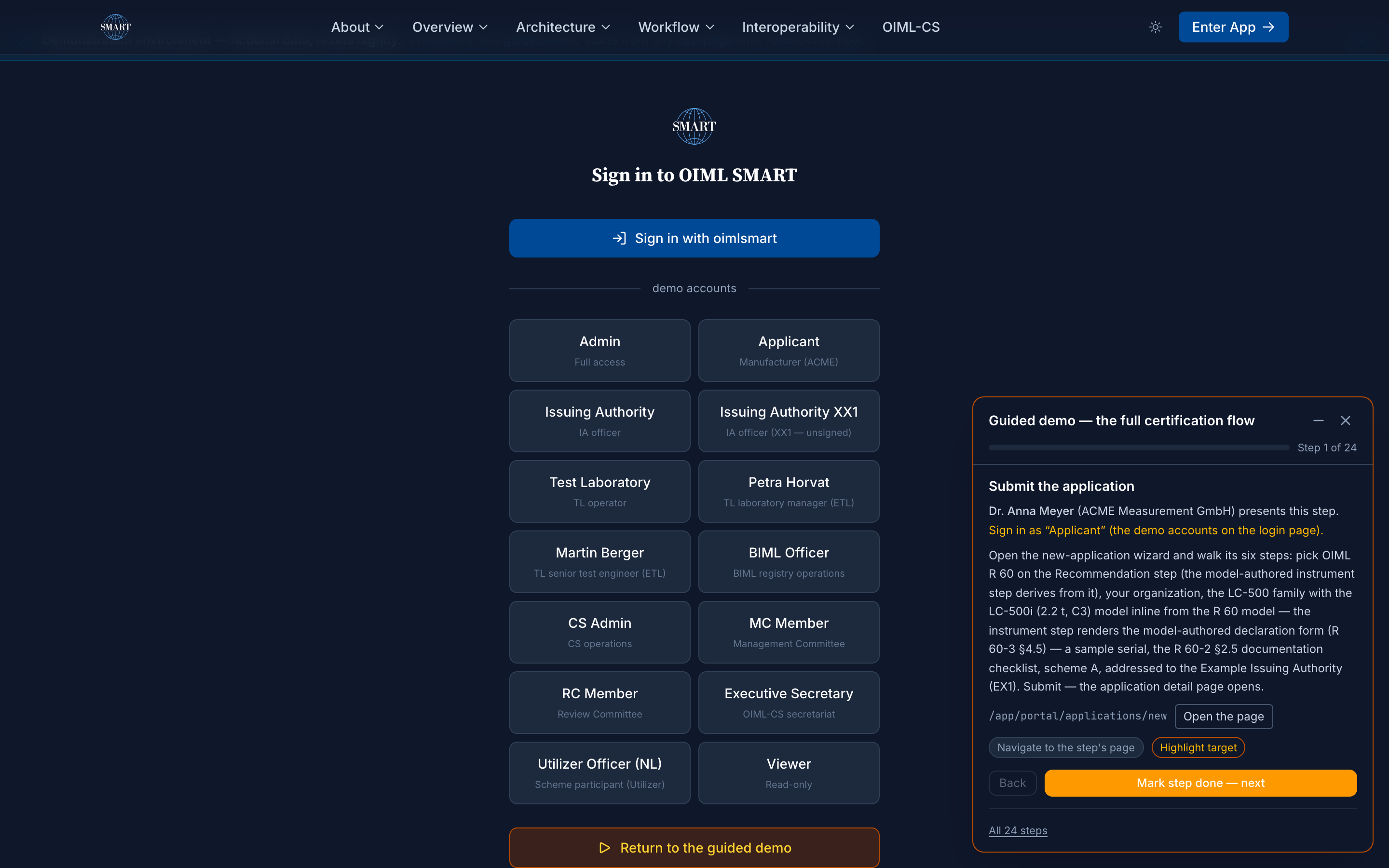
The presenter script: the full flow in 22 steps — captured 2026-08-29 by scripts/capture-services.ts
How it works
The demo is the SMART Platform itself in demo posture: the same software as the production hub, seeded with the demonstration cast, the manufacturer Steelyard Instruments Ltd. and its LC-500 load-cell line, the Brobdingnag Legal Metrology Authority, the Blefuscu Central Laboratory, and the BIML register. Every person and organization is fictional by design; every artifact they produce is real platform output.
A persistent Demonstration environment banner marks every page: fictional data, resets nightly. The reset is a scheduled job that re-seeds the instance, so the demo is self-healing and anything you enter is gone by morning. Demo instances never carry real data, and production never carries the demo cast.
SMART today, SMART+ next
SMART · LIVE TODAY
Everything in the inventory above is SMART: the certification workflow over the modelled Recommendations, the role consoles, the CNML certificate, the register. Open the demo and it is all there.
SMART+ · THE ROADMAP TIER
The same demo is where the SMART+ surfaces are piloted: the simulated instruments of the SST and the monitored-fleet twin story of the SMART Twin run here as rehearsal. The deployable compliance engine and the cryptographically signed serves remain roadmap items, tracked on the technology pages and the platform's future wave; nothing on this page presents them as present.
Status
| Status-page row | Declared availability | Declared latency |
|---|---|---|
| Demo instance | 99.5% / 30d | p95 ≤ 2.5 s |
Probed once a minute with a content assertion per row; the live actuals (30/90-day uptime, p95) are onstatus.oimlsmart.org, a number is never rounded up to meet a target.
Who can use it, who can run it
| Member State | Corresponding Member | Issuing Authority / Test Laboratory (of a Member State) | Utilizer / Associate | Applicant / public |
|---|---|---|---|---|
| ✅ | ✅ | ✅ | ✅ | ✅ public sandbox |
The demo instance, quoted from the program's single entitlement source; the full matrix, all services by all member categories, lives atWho can run what.
The honest questions
Is anything I enter kept?
No. The instance re-seeds nightly, so experiments, half-finished applications, and test entries are gone by morning. Work you want to keep belongs on a real deployment, not here.
Is the demo cast real?
Every person and organization is fictional by design, and the banner says so on every page. The artifacts are not fictional: the applications, verdicts, and the signed certificate are real platform output, produced by the same code that runs the production hub.
Do I need anyone's approval to look?
The public surfaces, the certificate register and the verification page, need no account at all, and the walkthroughs' dated captures show every console act, re-performed against the live instance on a schedule. The role consoles run under the fictional personas, and persona sign-in is granted rather than self-service: no cast password is published, which is how the demo keeps real accounts and fictional data apart. A production account is a different path, through the identity service, and approval there comes from your own organization.
Is the demo the same software as production?
Yes, the same codebase in demo posture: seeded cast, nightly reset, and the demonstration banner. Production instances differ only by their deployment profile (the hub, IA-only, TL-only, IA+TL), which is the same software booted with a different declared shape.
Where to go next
The five certification flows as guided walkthroughs: every step narrated with its live capture, the persona and console each step is performed with, and the presenter scripts in two lengths.
demo.oimlsmart.org, then Enter App: the login page lists the cast as persona cards, signed in through the identity service. The applicant portal and the IA console are the two consoles to see first.
The developer quickstart and the docs federation: the workflow model, the deployment profiles, the data conventions.
info@oimlsmart.org, the programme's front-door address. Guided walkthroughs for committees are the commonest request.
Verified 2026-08-29: every act in the inventory was performed headlessly against the live demo by scripts/capture-services.ts (the persona sign-ins through the identity service, the application and certificate pages, all four role consoles, the guided-demo overlay) and each capture carries its assertions in public/img/services/manifest.json.