

The identity service
One account spans the services: the platform, the demo instance, the studio, the AI service all sign in through the same service, and member deployments federate with it instead of running their own user directories. Accounts are issued per organization, never self-declared.
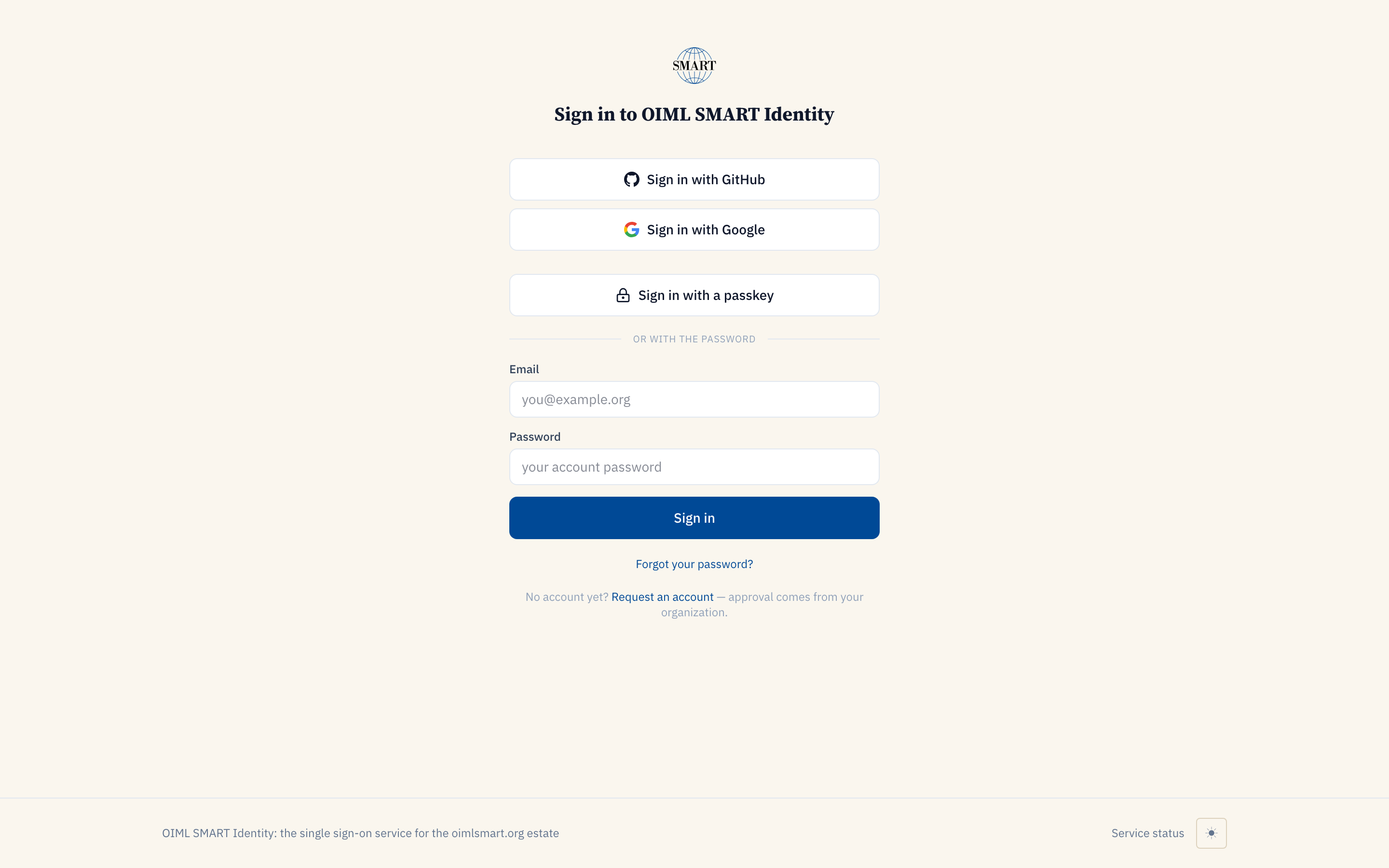
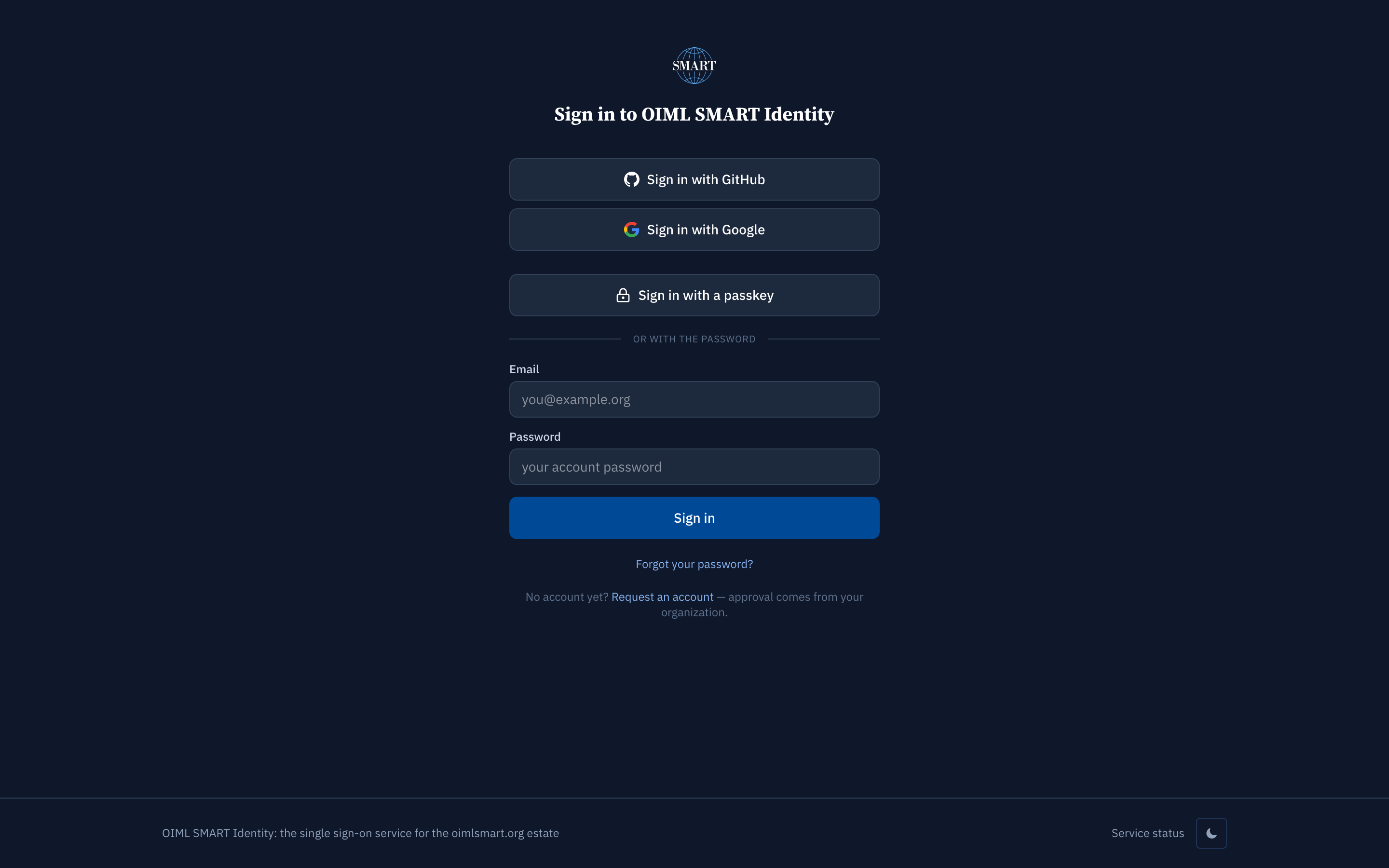
The sign-in page. The 'Request an account' link is the join flow; approval comes from your own organization, never from the bureau.
What you can do
Six acts, each performed against the live service before this page listed it; the dated capture is the audit artifact, re-produced by scripts/capture-services.ts on every refresh.
1. Sign in with what you already have. GitHub, Google, a passkey, or a password: one account, and every OIML SMART service accepts it.
One account, four ways in — captured 2026-08-29 by scripts/capture-services.ts 2. Request an account through the join flow. Full name, work email, then pick your organization from the selector. The selector is fed by the live OIML-CS participants register, registered organizations only, labeled by kind (Member State or Corresponding Member; Issuing Authority; Test Laboratory; Utilizer; Associate), so you cannot invent a standing your organization does not hold.
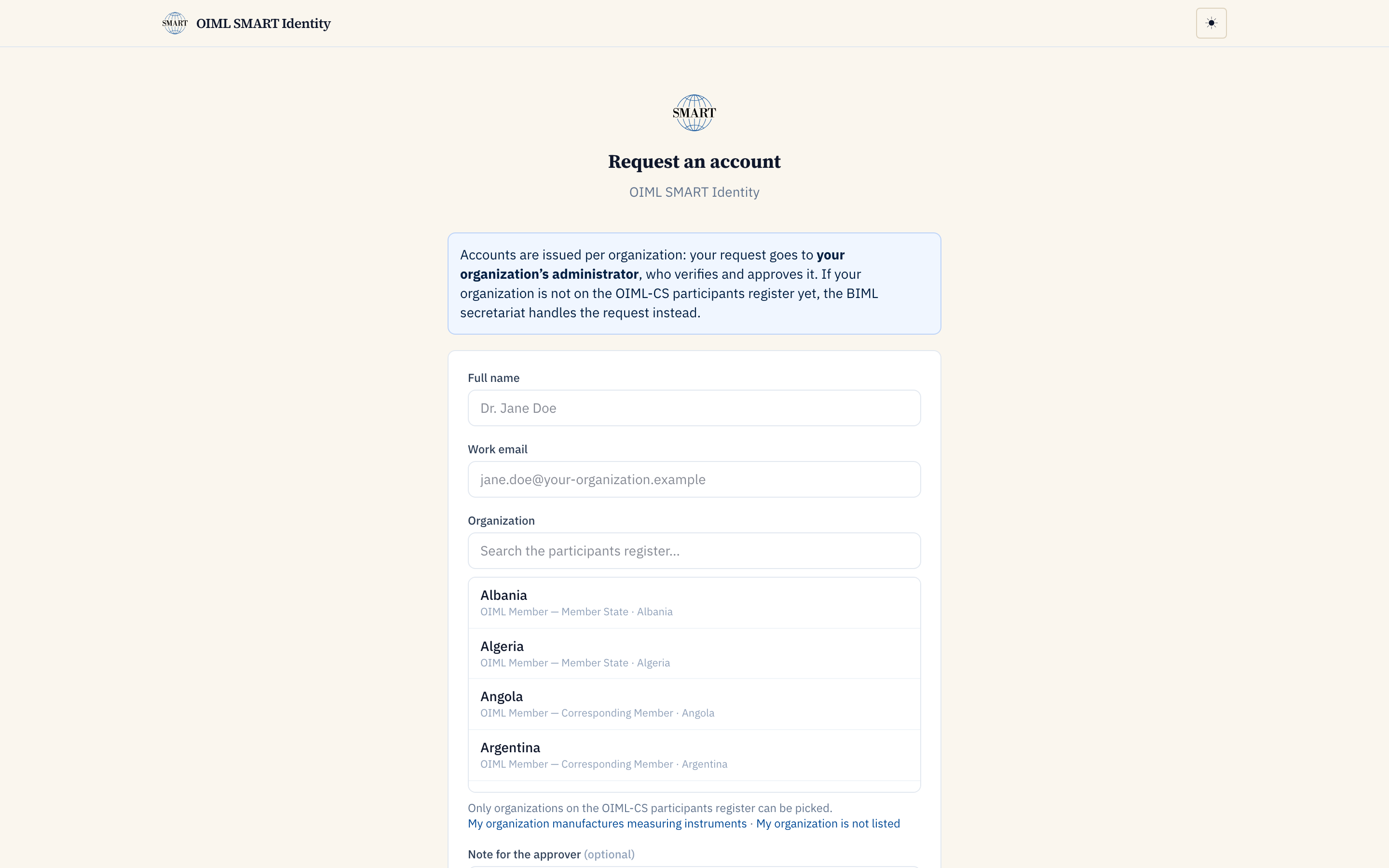
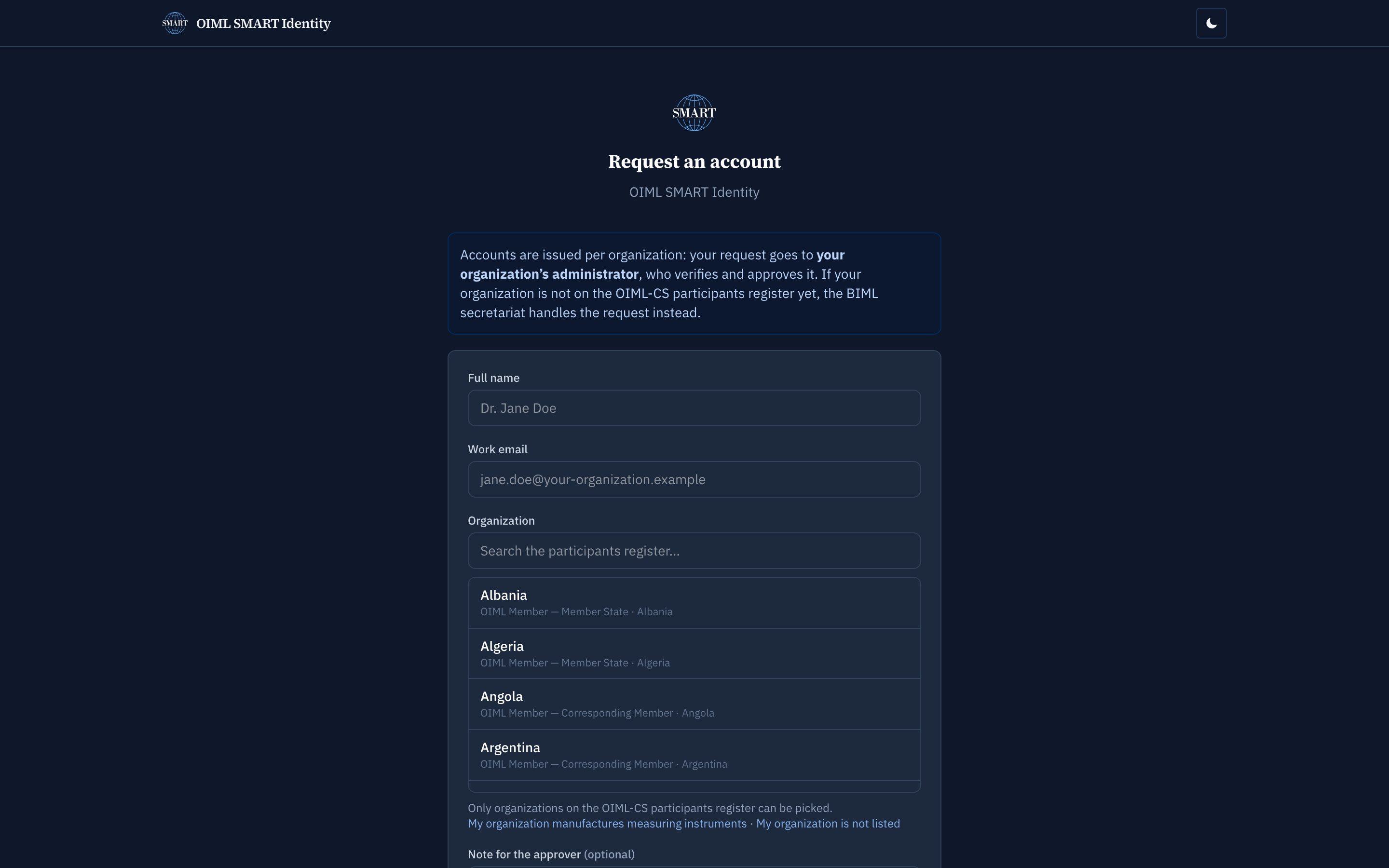
The join flow: the live register is the selector — captured 2026-08-29 by scripts/capture-services.ts 3. Ask for the role your work needs. The role options are bounded by the organization's kind: an issuing authority's staff see the authority roles, a laboratory's the operator roles. The request lands with your organization's administrator, who verifies and approves it.
4. Resolve the discovery document. Every relying party finds sign-in through the published OpenID configuration; you can read it yourself at /.well-known/openid-configuration.
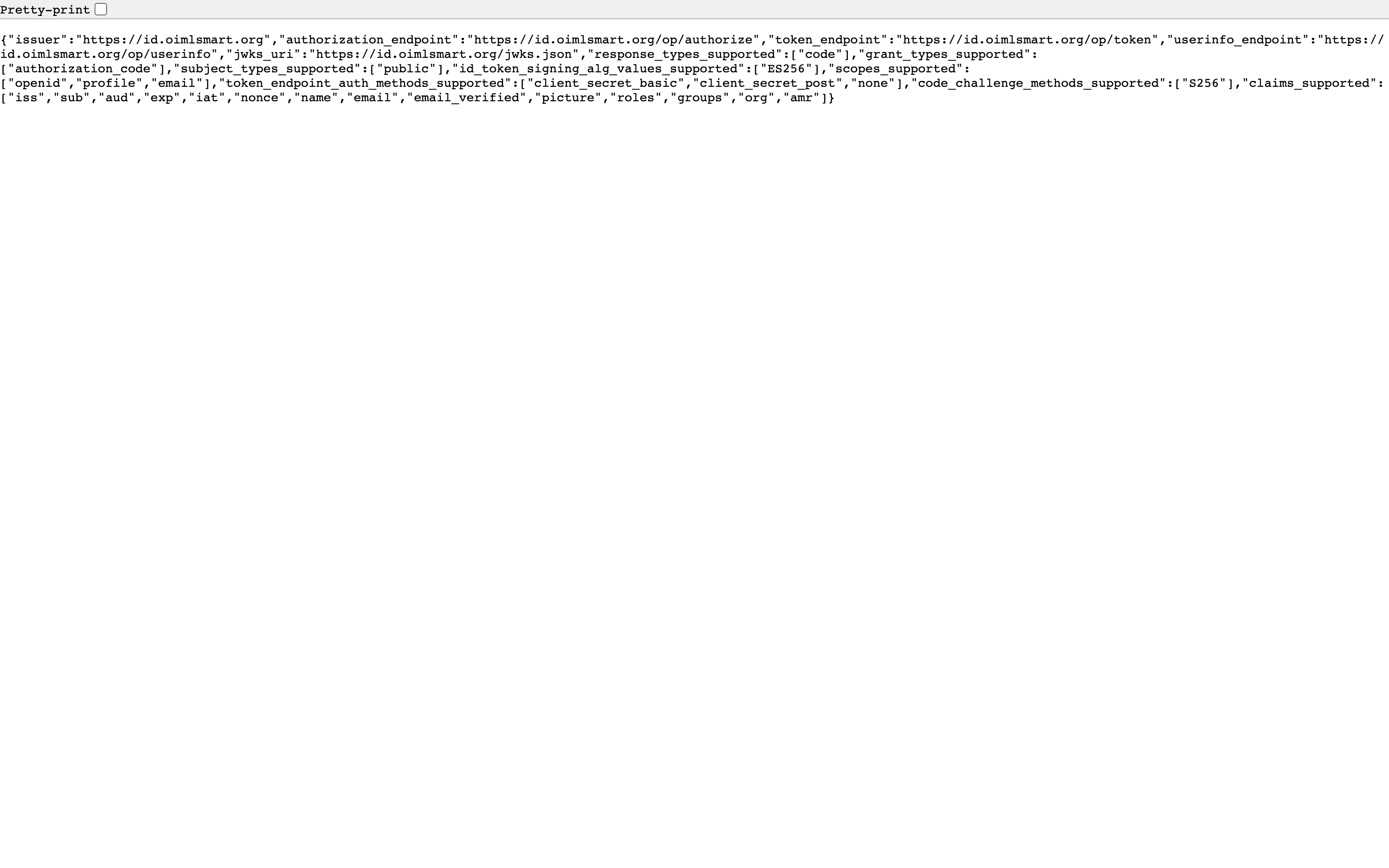
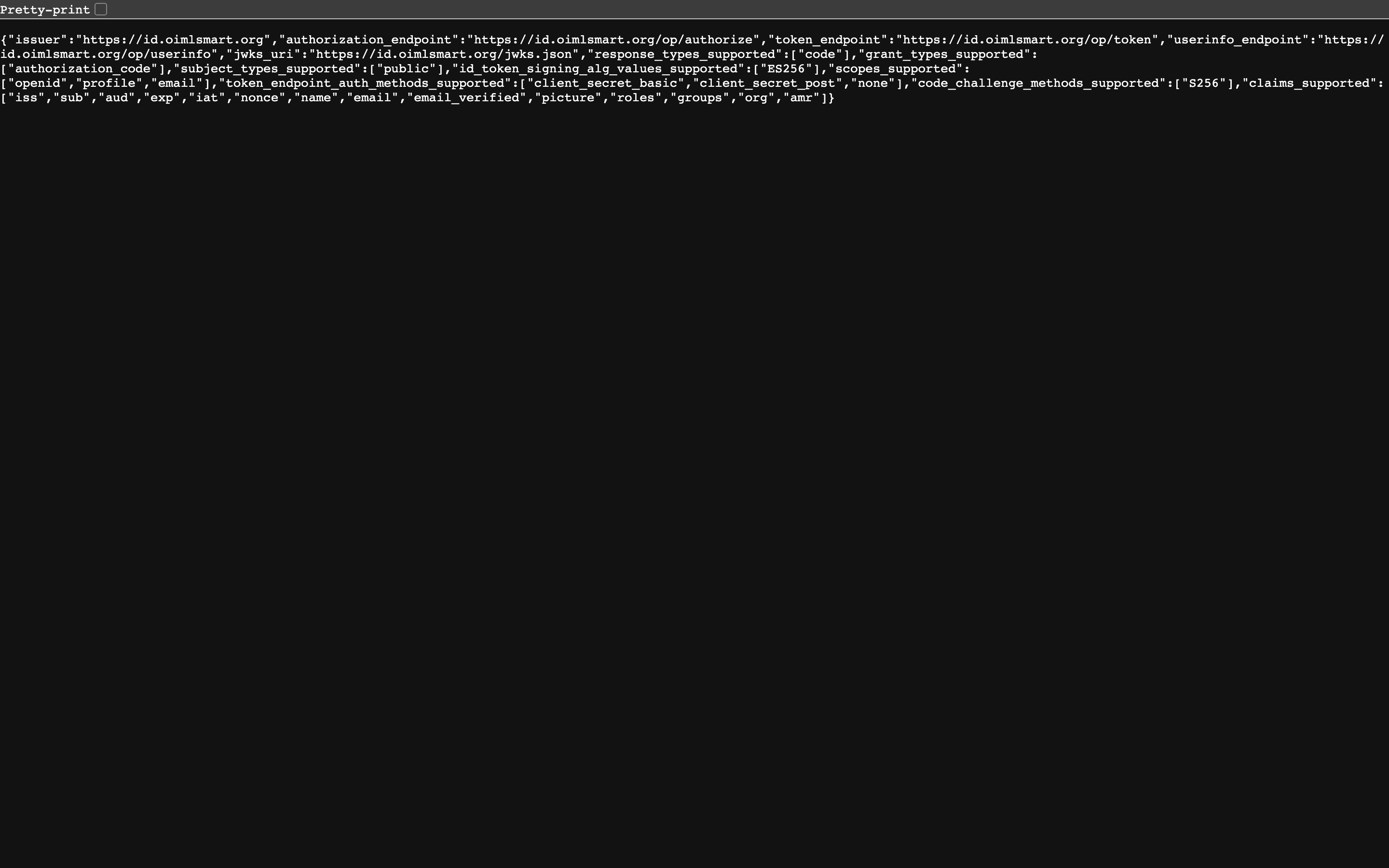
The discovery document, live — captured 2026-08-29 by scripts/capture-services.ts 5. Register an organization that is not listed yet. The join flow's not listed path names it in free text and lands with the BIML secretariat, which verifies the participation; the requester becomes the organization's first administrator once it is registered. A manufacturer of measuring instruments takes the manufacturer path: the organization is declared on self-registration (its work-email domain is the standing's first proof) and can be upgraded to authority-endorsed later.
6. Run your own. The software is a public repository, oimlsmart/identity (source available; the open-source license is pending, the honest wording until it lands), and the self-host runbook walks a stock checkout to a running provider on your own domain, config-only.
How it works
The service is the program's OpenID Provider. Behind the accounts sits the organization registry: the OIML-CS participants on the corrected member taxonomy, each organization registered with the participation that entitles it. An organization administrator manages their own organization: they invite and approve members, shape what each member can see and do (the visibility cones), and hold the organization's keys, the ones the trust registry records for signing and submission.
Member deployments federate with the program identity service instead of running their own user directories; a member that wants its own provider anyway runs the same software from the public repository.
SMART today, SMART+ next
SMART · LIVE TODAY
Everything in the inventory above is live: the account, the register-backed join flow, the discovery document, the federation posture, the organization keys recorded in the trust registry for signing and submission.
SMART+ · THE ROADMAP TIER
The same federated account is what the SMART+ pilot surfaces sign in through, and the organization keys are the ones the signed-measurement story builds on: cryptographically signed twin serves are a roadmap item, anchored on the SMART Twin page. Nothing on this page presents them as present.
Status
| Status-page row | Declared availability | Declared latency |
|---|---|---|
| Identity: OP discovery | 99.9% / 30d | p95 ≤ 1.5 s |
| Identity: sign-in page | 99.9% / 30d | p95 ≤ 2 s |
Probed once a minute with a content assertion per row; the live actuals (30/90-day uptime, p95) are onstatus.oimlsmart.org, a number is never rounded up to meet a target.
Who can use it, who can run it
The account is universal; the software's self-host posture is the one piece of the program any member may run. Both rows quoted from the single source:
The OIML SMART account
| Member State | Corresponding Member | Issuing Authority / Test Laboratory (of a Member State) | Utilizer / Associate | Applicant / public |
|---|---|---|---|---|
| ✅ | ✅ | ✅ | ✅ | ✅ join flow |
OIML SMART account (the identity service), quoted from the program's single entitlement source; the full matrix, all services by all member categories, lives atWho can run what.
The identity service software
| Member State | Corresponding Member | Issuing Authority / Test Laboratory (of a Member State) | Utilizer / Associate | Applicant / public |
|---|---|---|---|---|
| ✅ 🏠 🔄 | ✅ 🏠 | operates under its Member State | — | source available — license pending |
Identity service software, quoted from the program's single entitlement source; the full matrix, all services by all member categories, lives atWho can run what.
The honest questions
Who approves my account?
Your own organization's administrator, always. Approval never comes from the bureau and never happens automatically, so a registration's chain of custody stays inside the organization that vouches for you.
Must our member state run its own user directory?
No. Member deployments federate with the program identity service; sovereignty over users stays with your organization administrator either way. If you want your own provider regardless, the self-host runbook is the path, and it is the one piece of the program any member may run.
What if our organization is not on the register?
The join flow's not listed path lands with the BIML secretariat, which verifies the participation against the OIML-CS register; once registered, the requester becomes the organization's first administrator. Manufacturers self-declare on registration and can be endorsed by an authority later.
Can we inspect the software before trusting it?
Yes: the repository is public. It is source available today, and the honest wording stays until the open-source license lands; nothing about the sign-in path requires taking anyone's word for anything.
Where to go next
No production account at all: the demo instance runs the same consoles under its fictional cast, signed in through the identity service as personas.
The join flow on the identity service. Pick your organization from the register; approval comes from your own administrator.
info@oimlsmart.org, the programme's front-door address. Organization registration questions land here too.
Verified 2026-08-29: the sign-in page, the discovery document, and the join flow all answered live; the join flow walked to the organization selector, which offered the real register (member states and corresponding members by name, authorities, laboratories, utilizers, associates). The captures and their assertions are in public/img/services/manifest.json.